Add Row
Add Element
cropper
update

Your Trusted Source For ISP News & Reviews

update
Add Element
  • Home
  • Categories
    • Internet 101
    • News & Updates
    • Tips & Troubleshooting
    • Smart Homes
    • Small Biz & Remote Work
    • Gaming
    • Entertainment
    • Featured
    • ISP Investment News
April 13.2025
2 Minutes Read

4 Quick Methods to Keep Your Smart TV's Software Updated

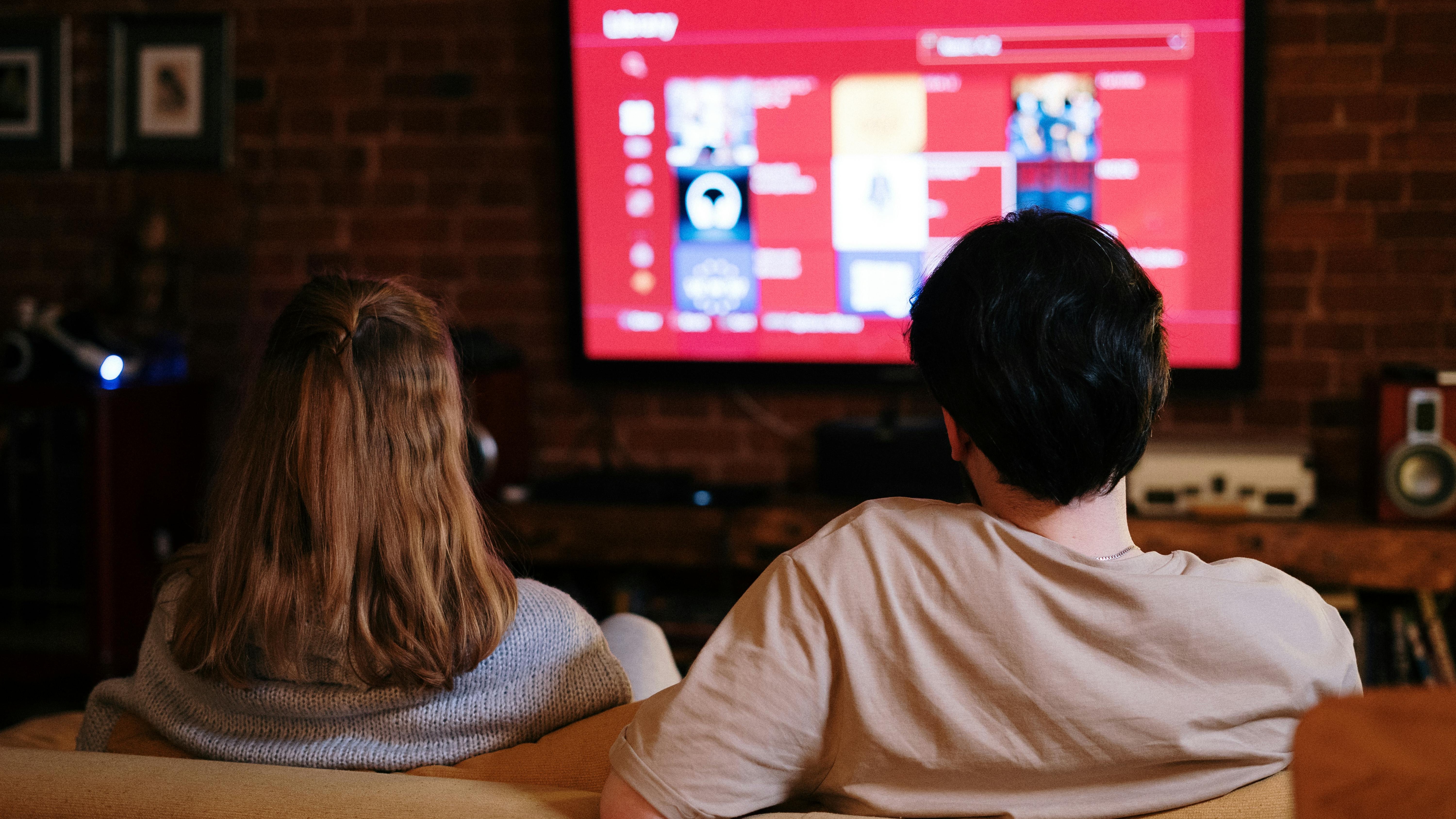
Smart TV software update menu with blue arrows, modern room.


Keeping Your Smart TV Up-to-Date: Why It Matters

In an era where technology evolves almost daily, keeping your smart TV’s software updated is essential. Updates enhance performance, introduce new features, and patch security vulnerabilities. Just like you wouldn’t want to use a smartphone with outdated software, the same applies to your TV—especially when streaming and gaming.

Set Up Automatic Updates for Hassle-Free Viewing

One of the easiest methods to ensure your smart TV runs the latest software is to enable automatic updates. Most popular brands such as Samsung, LG, and Sony provide users with the option to turn on auto-updates during initial setup. This means your TV will update while you’re busy, ensuring that it’s always ready for your viewing pleasure.

If you skipped this step during initial setup, no worries—simply navigate to your TV's settings. For instance, on a Samsung TV, go to Settings > Support > Software Update, and toggle the Auto Update option. Voila! You’re all set for seamless entertainment.

Manual Installation: Take Control of Your Updates

Some users prefer a hands-on approach, and that’s perfectly okay! Manually updating your TV’s software allows you to control how and when updates occur, which can be quite handy if you’re mindful of your internet bandwidth. To install updates manually, simply head over to your settings and check for updates. Your smart TV will guide you through the necessary steps, ensuring you’re up to date without the hassle of auto features.

Using a USB Drive for Updates

If you find yourself without internet connectivity, updating your smart TV is still a breeze. Most manufacturers provide downloadable updates on their official websites. By downloading the update file onto a USB drive, you can later plug it into your TV and install the update easily.

This method is particularly useful if your TV is located in a space with limited internet access. Just ensure you follow the manufacturer’s instructions closely to avoid potential issues during installation.

How to Ensure Optimal Performance

Beyond just the software itself, maintaining a clear space around your TV and ensuring proper ventilation can assist in optimal performance. Regularly check for overheating or dust buildup, which can hinder performance. Also, periodically clear out unused apps as they can slow down your TV significantly.

The Future of Smart TVs: Trends Ahead

The future for smart TVs looks bright as technology advances. We can expect updates that enhance user interface aesthetics, integrate artificial intelligence for more personalized viewing experiences, and further security upgrades to protect against cybersecurity threats. Staying up to date will be critical to enjoying all that cutting-edge tech.

By taking these steps to update your smart TV's software, you can enjoy a smooth viewing experience without interruptions from bugs or technical issues. So, assess your settings today, and keep your TV in tip-top shape!


Entertainment

0 Comments

Write A Comment

*
*
Related Posts All Posts
02.21.2026

Why Your Smart TV's Ethernet Port May Not Be Your Best Internet Choice

Update Understanding Your TV’s Ethernet Port: The Truth Behind Connectivity When you take a look at your smart TV, you may see several ports awaiting use, and among them, the Ethernet port often lies in obscurity. For many users, this port appears to be a gateway for a stronger internet connection, but that assumption is often misleading. The reality is that, for most modern smart TVs, connecting via Wi-Fi can deliver superior speeds compared to the Ethernet port. Let’s dive deeper into this topic! Unveiling the Ethernet Limitations The majority of smart TVs feature Ethernet ports that are restricted to speeds of around 100 Mbps, more commonly referred to as 10/100 Ethernet. This may seem adequate for streaming content, but in the age of superior Wi-Fi standards, such limitations render the port underwhelming. For instance, Wi-Fi 5, Wi-Fi 6, and the latest Wi-Fi 6E can achieve significantly higher speeds, potentially doubling or tripling what the Ethernet connection provides. Users with devices equipped with Wi-Fi 6E, like the LG C5 model, have reported speeds up to 213 Mbps, surpassing Ethernet capabilities by a notable margin. Why Do Manufacturers Stick with Ethernet? Considering this inconsistency, many wonder: why don’t TV manufacturers incorporate faster Ethernet ports? The answer is primarily cost-efficiency. Streaming services generally recommend a minimum speed of 25 Mbps for smooth 4K streaming, making 100 Mbps seem like an adequate provision for manufacturers to save on costs while marketing to consumers who are less likely to challenge their network choices. Evaluating Your Connection Needs So, should you rely on your TV’s Ethernet port at all? The answer is nuanced. If your Wi-Fi connection struggles to exceed 100 Mbps or if the distance to your router is challenging, wired connections can still serve as a reliable option. However, in situations where Wi-Fi signals are optimized and capable of delivering speed over 100 Mbps consistently, utilizing Wi-Fi becomes the more effective choice. The Case for Wireless Adopting Wi-Fi connectivity does not just offer higher speeds; it also liberates your smart TV from the confinements of a cable. Many households have experienced the pressures of bandwidth congestion, particularly during peak hours when multiple devices compete for internet access. Common frustrations like buffering and delayed loading can often be resolved by unwiring your connection and enabling faster Wi-Fi access, accentuating a more enjoyable streaming experience. How to Test Your Connection If you're uncertain which connection type is best for your smart TV, a simple speed test is available within popular streaming applications like Netflix. By accessing the settings menu and selecting the option to check your network, you can assess your connection speed. If it exceeds 100 Mbps, sticking with Wi-Fi is advisable for optimal performance. Cutting the Cord: Making Better Choices Ultimately, understanding your smart TV's connectivity is crucial to enhancing your viewing experience. Ensure not to cling to outdated notions about wired connections being inherently superior. When it comes to modern smart TVs, efficient and stable Wi-Fi often wins the race against Ethernet ports. However, adopting a wired connection remains a viable option depending on unique network conditions, and a quick evaluation can make all the difference. Conclusion Whether you choose to stick with your device's Ethernet port, or embrace the versatility of Wi-Fi, the most important takeaway is to assess your individual setup and needs. By staying informed and making thoughtful decisions regarding your connectivity, you can enjoy an upgraded smart TV experience.

02.20.2026

Everything You Need for a Seamless 4K Streaming Experience at Home

Update Unlocking the Power of 4K Streaming: What You Need In an era where high-definition content has become the standard, 4K streaming takes the viewing experience to the next level. Offering resolutions of 3840 x 2160 pixels, 4K content provides four times the pixel resolution of full HD, delivering stunning picture quality filled with vivid colors and intricate details. But, to enjoy the full benefits of this advancement, you must have the right setup in place. Here’s a comprehensive guide on what you need to stream 4K at home. Understanding 4K: More Than Just Numbers The technical aspects of 4K can be confusing, especially if you're not tech-savvy. Essentially, 4K (often referred to as Ultra HD or UHD) means your TV can display a bigger and clearer image. Besides, additional factors like the type of content, internet speed, and your hardware setup play crucial roles in the streaming experience. According to recent insights, services like Netflix and Amazon Prime Video now offer a plethora of 4K content, making it easier to find something you enjoy watching, from the latest blockbusters to live sports. You’ll Need the Right Hardware To stream in 4K, investing in the right device is essential. While most new smart TVs support 4K, older models will not suffice. The best choices available in today’s market include the Samsung QN90B Neo QLED and LG OLED. Furthermore, if you don’t have a smart TV, streaming devices such as the Roku Ultra or Amazon Fire TV Stick 4K Max are excellent alternatives. These devices ensure you can access various streaming services without any complexity. High-Speed Internet: The Backbone of 4K Streaming One crucial element often overlooked is the importance of a good internet connection. Streaming in 4K requires substantial bandwidth. A stable connection of at least 25 Mbps for 4K streaming alone is generally the minimum, though you should ideally aim for 50 Mbps to account for other devices and background usage. Upgrading to a modern router that supports Wi-Fi 6 can also improve performance and prepare your network for the demands of 4K streaming. Getting Started: Your 4K Streaming Checklist Before diving into the world of 4K, here's a checklist to ensure you're prepared: A 4K-capable TV or a compatible streaming device. A high-speed internet connection with at least 50 Mbps download speed. The necessary streaming service subscriptions, such as Netflix Premium for 4K content. 4K HDMI cables for a hassle-free connection between devices. Making the Most of Your 4K Experience To maximize the joy of streaming in 4K, consider setting up your viewing area to ensure optimal screen size and comfortable seating. With a 50” screen or larger, the benefits of 4K resolution become most evident. Don't forget to invest in a good sound system to complement your visuals! Investing in a 4K setup not only enhances your viewing experience but also positions you perfectly for future entertainment technology advancements. Whether it’s movie nights with family or binge-watching your favorite shows, 4K streaming is sure to elevate your home entertainment. If you’re ready to take your home streaming setup to the next level, pay attention to these essentials, and enjoy the breathtaking visuals and improved detail of 4K!

02.13.2026

Unlock Cinematic Experiences: Turn Your Car's Infotainment Into a Smart TV with $60 Gadget

Explore how to turn your car's infotainment center into a smart TV with the CarlinKit FireDrive gadget, enhancing streaming and entertainment options on the go.

Terms of Service

Privacy Policy

Core Modal Title

Sorry, no results found

You Might Find These Articles Interesting

T
Please Check Your Email
We Will Be Following Up Shortly
*
*
*