Add Row
Add Element
cropper
update

Your Trusted Source For ISP News & Reviews

update
Add Element
  • Home
  • Categories
    • Internet 101
    • News & Updates
    • Tips & Troubleshooting
    • Smart Homes
    • Small Biz & Remote Work
    • Gaming
    • Entertainment
    • Featured
    • ISP Investment News
October 31.2025
2 Minutes Read

Maximize Your Internet with the Best Wi-Fi Extenders for 2025

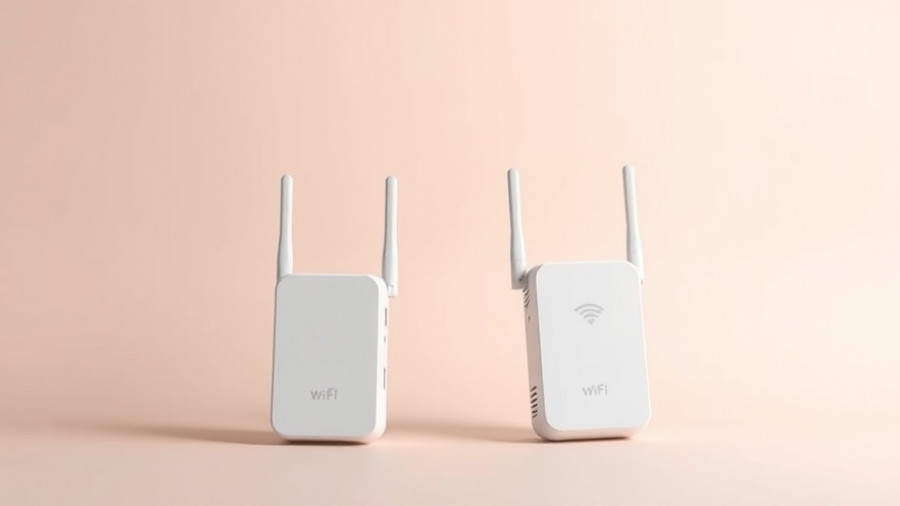
Modern sleek Wi-Fi extenders for 2025 on a gradient background

Understanding the Importance of Reliable Wi-Fi Coverage

In today’s fast-paced digital age, having a reliable internet connection is not just a luxury—it's a necessity. Homes are becoming more tech-savvy, with smart devices and streaming services becoming integral parts of daily life. Yet, many households grapple with Wi-Fi dead zones that disrupt connectivity. This is where Wi-Fi extenders come into play, providing an essential solution to enhance coverage and reliability throughout your residence.

How Wi-Fi Extenders Work: Bridging the Connectivity Gap

Wi-Fi extenders work by capturing your existing router's signal and rebroadcasting it, thereby extending the wireless network's coverage area. This technology is especially useful in larger homes or those with thick walls that absorb signals. While traditional routers may struggle to send strong signals to every corner of your home, extenders effectively bridge the gap, allowing for smooth streaming, gaming, and remote work.

Choosing the Right Wi-Fi Extender: Key Considerations

When selecting a Wi-Fi extender, several factors should be taken into account to ensure optimal performance. Firstly, ensure the device supports the latest Wi-Fi standards, such as Wi-Fi 6 (802.11ax) and possibly Wi-Fi 7 (802.11be), to leverage faster speeds and greater efficiency. For example, the Devolo 8965 WiFi 6 Repeater 5400 and the TP-Link AX3000 Mesh Wi-Fi 6 Extender have received acclaim thanks to their compatibility with the newest technology.

Affordability vs. Performance: Navigating the Market

The market for Wi-Fi extenders is diverse, ranging from budget models to high-end units. For instance, PCMag's review highlights the TP-Link RE315 as an affordable extender that significantly enhances connection quality without breaking the bank, priced typically under $25. In contrast, if you require higher capacity or additional features like integration into a mesh network, investing in a mid-range or premium extender is worth considering.

Future-Proofing Your Internet: OneMesh Technology

For a more seamless experience, consider extenders that incorporate mesh capabilities, like the TP-Link RE715X. Devices employing OneMesh technology allow for a single SSID, meaning users can move freely around the home without having to switch networks. This makes for a user-friendly approach, enhancing reliability and convenience.

Real-World Testing: Evaluating Performance

Real-life performance is key when choosing an extender. Reviews conducted by tech experts often include rigorous testing in various home layouts. For example, the effectiveness of the TP-Link RE600X vs. the Netgear EAX12 provides insights on their respective reliability in boosting a signal across floors or through obstructions, showcasing their strengths and weaknesses in practicality.

Conclusion: Making the Right Choice for Your Home

Investing in a Wi-Fi extender can dramatically enhance your home’s connectivity, making it an essential component of any modern digital lifestyle. By considering factors like compatibility, technology, and practical performance, you can make an informed decision that ensures consistent and powerful internet access throughout your home.

Tips & Troubleshooting

0 Comments

Write A Comment

*
*
Related Posts All Posts
02.19.2026

Say Goodbye to Buffering: Speed Up Your Internet for Better Streaming

Update Understanding the Necessity of Fast Internet for StreamingIn today's digital age, where binge-watching favorites on Netflix or enjoying live sports is part of the norm, having a reliable internet connection is incredibly important. If you're tired of the spinning wheel of buffering during critical moments—like when your team scores a last-minute goal—you're not alone. Surveys suggest that many streaming users experience significant lag due to slow internet connections. This article is aimed at helping you optimize your internet speed so that you can enjoy seamless streaming experiences.Identifying Your True Internet SpeedThe first step to eliminating buffering is to understand your current internet speed. Begin by running an internet speed test to see if you're actually receiving what you're paying for from your internet service provider (ISP). You might be surprised to find that your connection is underperforming. Ideally, for smooth 4K streaming, the FCC recommends speeds of at least 25 Mbps, although many households should aim for around 100 Mbps given the number of devices in use today.Optimal Router Placement for Maximum PerformanceYour Wi-Fi router's location plays a critical role in the speed and reliability of your internet connection. If your router is currently placed in a corner or behind furniture, it might be time to relocate it. Centering the router in an elevated position will help improve signal distribution throughout your home. Additionally, avoiding physical barriers can significantly reduce interference and help you achieve consistent speeds.Utilizing Wired Connections When NecessaryWhile Wi-Fi is a convenient solution for connecting devices throughout your home, using wired Ethernet connections, especially for gaming consoles and streaming devices, can tremendously enhance your streaming quality. This eliminates interference from Wi-Fi fluctuations, ensuring a more stable experience.Upgrade to the Right EquipmentIf you're still using an old router, it may be time for an upgrade. Many basic routers provided by ISPs do not offer the advanced features needed for optimal performance. High-quality routers equipped with advanced technologies such as MU-MIMO and beamforming can significantly improve your internet experience by allowing multiple devices to stream simultaneously without lag.Minimizing Network CongestionConsider the number of devices connected to your network. Each device that streams, downloads, or uploads data takes a chunk of your available bandwidth. During peak usage times, this can result in slowdowns, making it difficult to enjoy content. To mitigate this, disconnect devices that aren't in use and consider investing in a Wi-Fi extender or mesh system if your home is large.Securing Your NetworkAn unsecured network can expose you to unwarranted access by others, who may slow down your internet speeds. Security involves using a strong password for your Wi-Fi connection and enabling encryption to ensure only authorized users can connect to your network.Keep Your Software UpdatedWhat's often overlooked is that your router's firmware and the software on your devices should be regularly updated. Manufacturers frequently release updates designed to improve functionality and security. Keeping your router’s firmware up to date ensures optimal performance and support for the latest streaming capabilities.Conclusion: Take Action for Smooth StreamingTaking concrete steps to optimize your internet connection is crucial for an enjoyable streaming experience. Whether it's relocating your router, using wired connections, or upgrading your equipment, each choice you make can drastically improve your buffering issues. Don't let poor internet speeds ruin your digital entertainment—implement these strategies and enjoy seamless streaming!

02.13.2026

Discover the Best VPNs for Verizon Fios to Prevent Throttling

Explore the best VPNs for Verizon Fios in 2026 to avoid throttling and enhance your streaming experience.

02.04.2026

Unlock Faster Internet: Essential Checks When Your Wi-Fi is Slow

Discover effective ways to troubleshoot Wi-Fi issues and unlock faster internet with our practical insights and tips.

Terms of Service

Privacy Policy

Core Modal Title

Sorry, no results found

You Might Find These Articles Interesting

T
Please Check Your Email
We Will Be Following Up Shortly
*
*
*